🔋 Reconeyez Integration
Reconeyez specializes in battery-powered, outdoor LTE cameras designed for rapid deployment. Unlike traditional VMS systems, Reconeyez uses an Event-Driven model to conserve power, sending high-quality image sequences or short clips only when motion is detected.
📋 Prerequisites
- Active SIM Card: With a valid 4G/LTE data plan.
- Device ID: Found in the Reconeyez client/portal (Mandatory for registration).
- GCXONE Webhook: Configured to receive incoming Reconeyez API calls.
🚦 Device Profile
| Feature | Specification | Notes |
|---|---|---|
| Connectivity | 4G / LTE / Wi-Fi | Primary focus is mobile LTE usage. |
| Power Source | Battery / Solar | Low-power design; no 24/7 live stream. |
| Clip Length | 10 - 15 Seconds | Optimized for rapid transmission over cellular. |
| Discovery | Device ID Based | Serial number matches the Reconeyez Portal ID. |
🛠️ Configuration Steps
- 1
1. Cellular Activation
- 2
Ensure your Reconeyez Bridge or Camera has a functional SIM card.
- 3
- Verify the Signal Strength in the Reconeyez Cloud.
- Set the APN if using a private APN for secure transmission.
-
The device connects automatically to the Reconeyez Cloud once powered on; minimal IP configuration is needed.
- 4
2. Capture Parameters
- 5
Navigate to Event Settings in the Reconeyez Cloud Portal.
- 6
- Set the number of snapshots per event (recommended: 3-5).
- Set the video clip duration to 10 seconds.
- Adjust sensitivity to ensure humans are detected while avoiding triggers from grass or shadows.
- 7
- 8
3. API & Webhook Linking
- 9
Navigate to Integration Settings in the Reconeyez Platform.
- 10
- Enable the External API for event forwarding.
- Configure the webhook URL provided by your GCXONE technical lead.
- This ensures that every time a PIR is tripped, the metadata and video URL are pushed to our operators.
- 11
4. Final Discovery in GCXONE
- 12
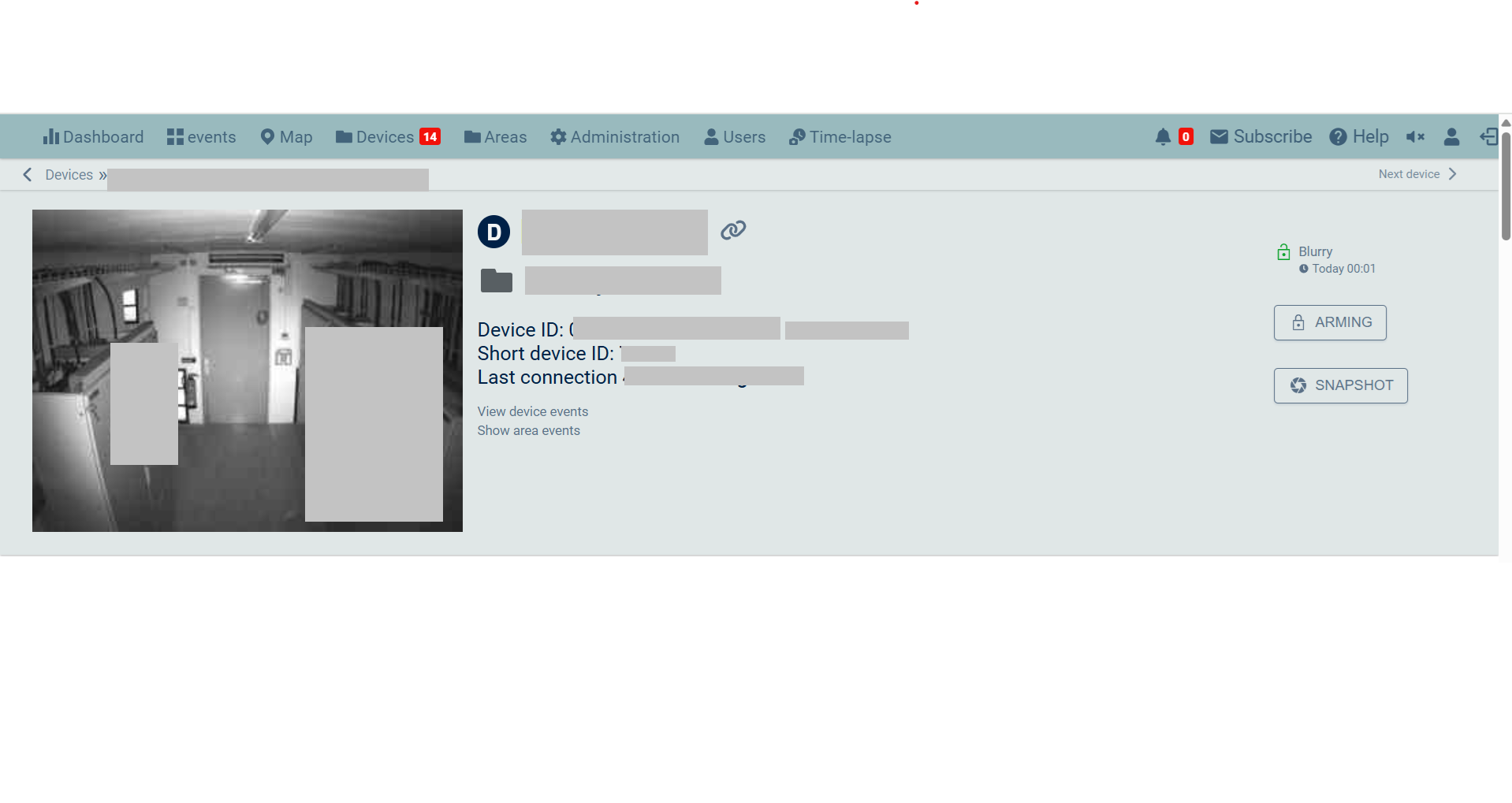
- Log in to GCXONE → Sites → Devices.
- Click Add Device and select Reconeyez.
- Serial Number: Enter the Device ID from the Reconeyez portal (Mandatory).
- Click Discover. GCXONE will register the virtual sensors for PIR, Battery, and Signal.
💡 Troubleshooting
- Delayed Alarms: LTE signal may be weak. Check the "Signal Level" in the Reconeyez UI. If below 2 bars, consider an external high-gain antenna.
- No Live View: Remember that live view is only available on battery devices when they "wake up" for an event or during a specific polling window.
- Discovery Fails: Double-check that the Serial Number in GCXONE matches the Device ID in the Reconeyez portal exactly.